Network Monitoring with Nagios
In progressNagios Core on a Proxmox VM giving one dashboard for every device and service on the network.
Topology / Screenshots
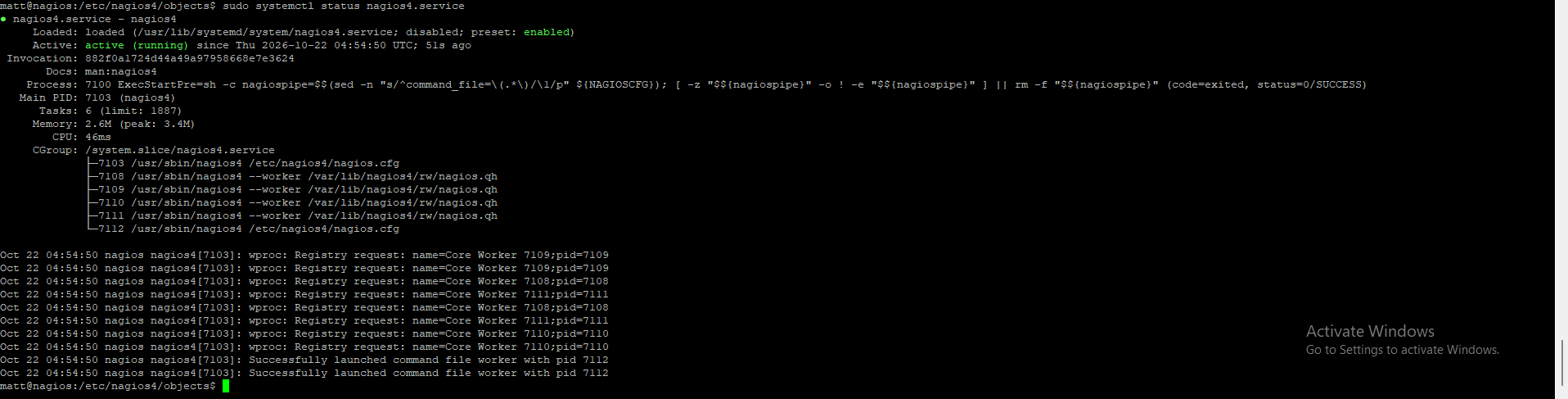
Overview
Go from "I find out when something breaks" to "I see it break, and usually why" with a single place to check whether every device and service is healthy.
Tools & technologies
Nagios CoreProxmox VEUbuntu ServerApacheSNMPNRPEsystemdBash
What I built
- Ubuntu Server LTS VM in Proxmox: 2 vCPUs, 2 GB RAM, 20 GB disk on local-lvm, VirtIO NIC on vmbr0.
- Static IP, OpenSSH and qemu-guest-agent on the guest.
- Nagios 4 from Ubuntu packages with Apache serving the dashboard.
- Password-protected web UI (htdigest + Require valid-user).
- Host and service definitions in /etc/nagios4/conf.d/homelab.cfg — ping, port, SNMP and NRPE checks.
Key configs & code
sudo apt install -y nagios4 nagios-plugins-contrib nagios-nrpe-plugin apache2
sudo a2enmod cgi auth_digest authz_groupfile rewritenagios4 -v /etc/nagios4/nagios.cfg
pvesm status
cat /etc/pve/storage.cfgChallenges & troubleshooting
- VM creation failed with `storage 'Media' is not online` — the wizard pointed at unreachable storage. Moved the ISO and disk to local storage and checked health with `pvesm status` and /etc/pve/storage.cfg.
- Default package access was IP-only; replaced it with authenticated access so the dashboard requires a password.
What I learned
- Ping/port checks need nothing on the target; SNMP reads interface data; NRPE runs local disk/load/memory checks.
- Disk and load warnings catch issues early — e.g. the SD card corruption that once took down Pi-hole.
- State history shows when outages started and how often devices drop.
- Post-change verification gives confidence after VLAN or firewall changes.